
About the App
App Preview & Screenshots
Description
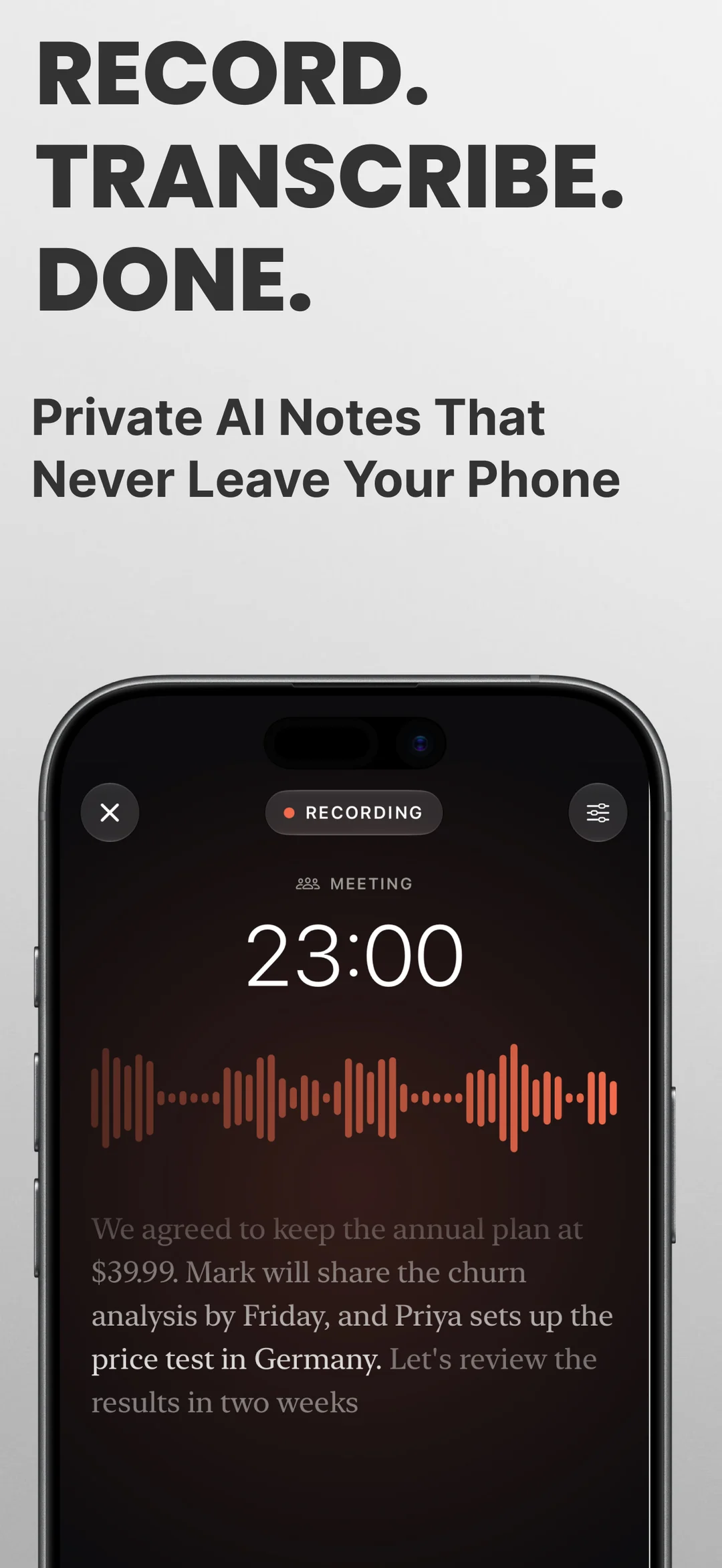
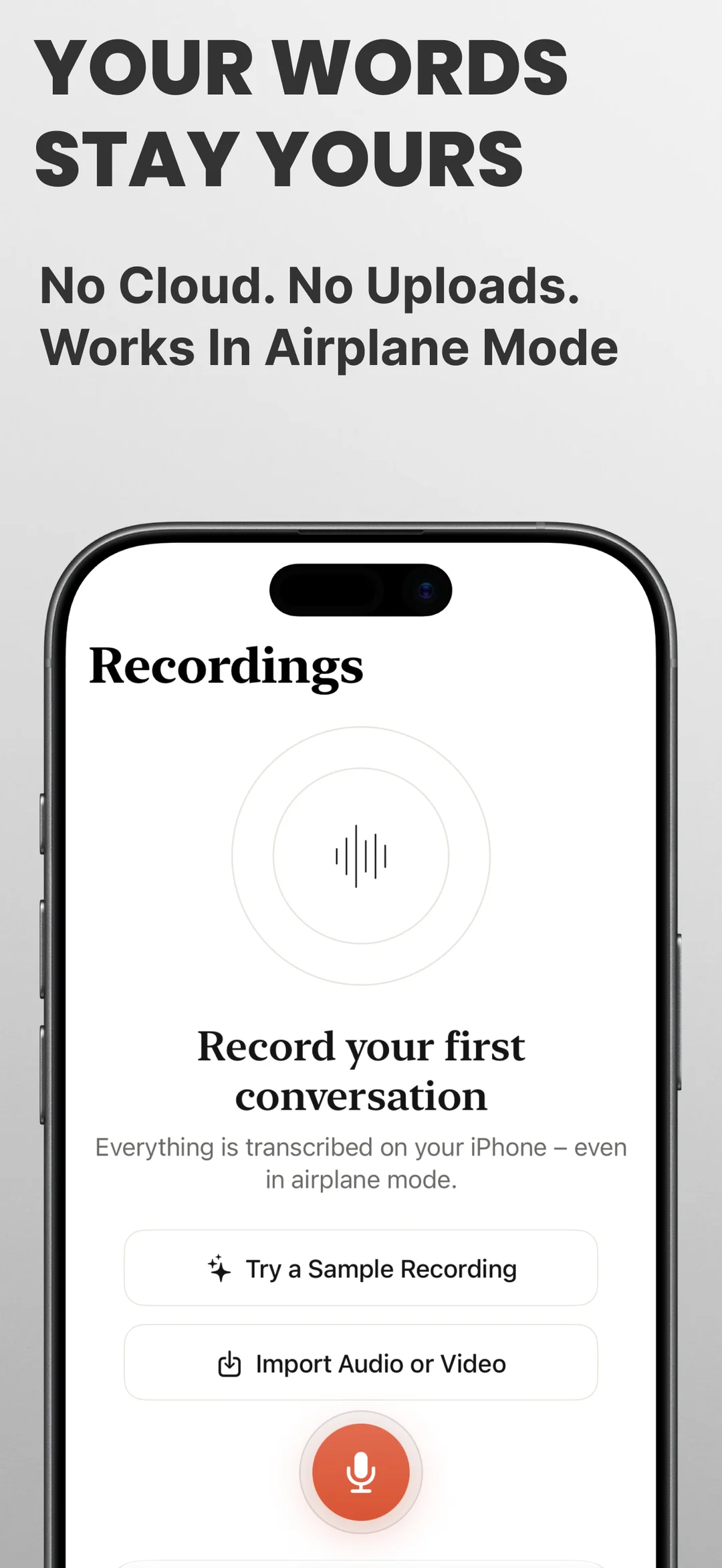
Hushnote is a voice recorder that turns audio to text right on your phone. Record a meeting, a lecture, or an interview and get the transcript, who said what, and an AI summary with action items. Nothing is uploaded to remote servers.
ABOUT THE APP
Most transcription apps send your recordings to a server. That's a problem when it's a client call, a doctor's appointment, or a board meeting. Hushnote does all the work on your device, so it keeps working on a plane, in a basement, or anywhere with no internet signal.
CAPTURE
- One tap to start; keeps recording with the screen off or while using other apps
- Live text on screen while you talk, with pause and resume from the notification
- Mark important moments with a tap
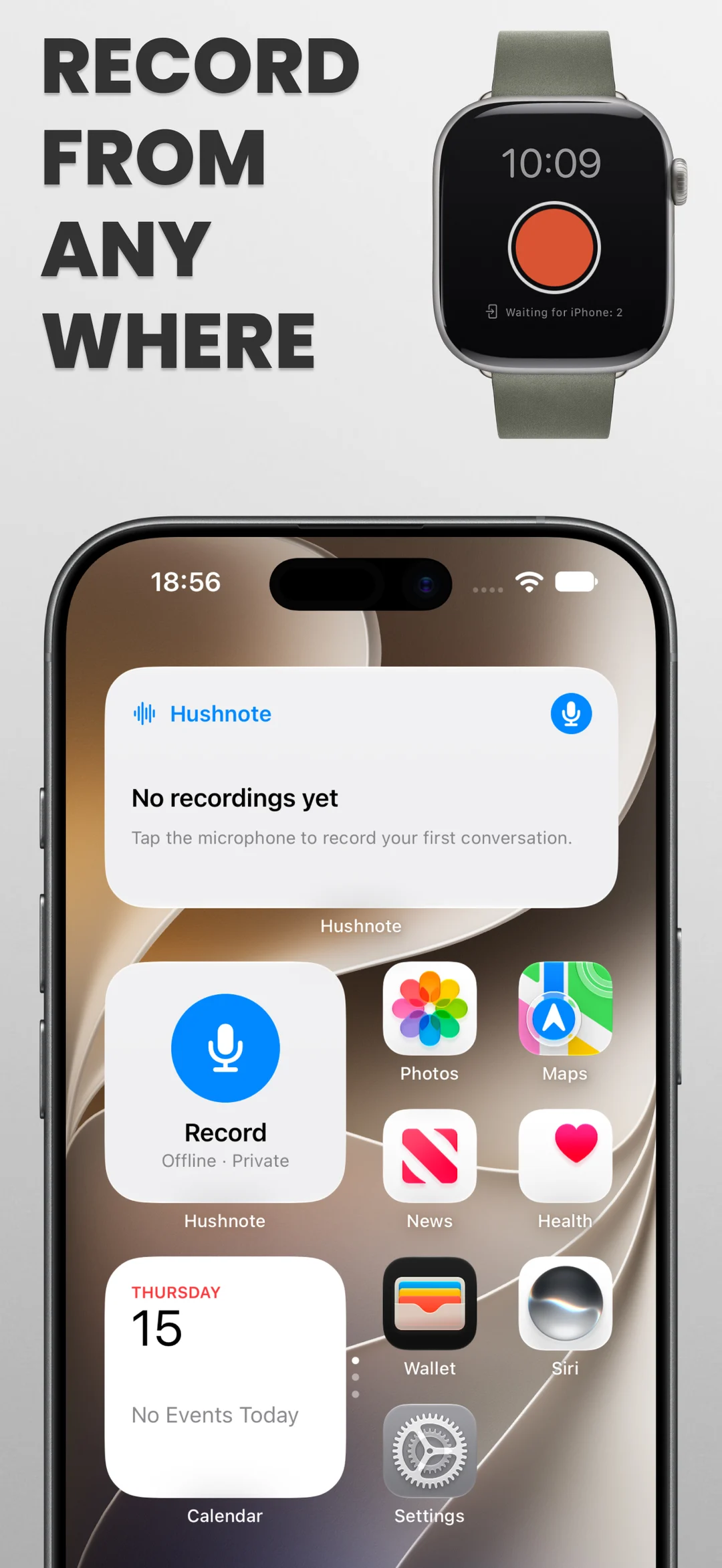
- Start quickly from a Home Screen widget, a Quick Settings tile, or an app shortcut
- Import audio and video files, or share voice messages directly from WhatsApp and Telegram
UNDERSTAND & TRANSCRIBE OFFLINE
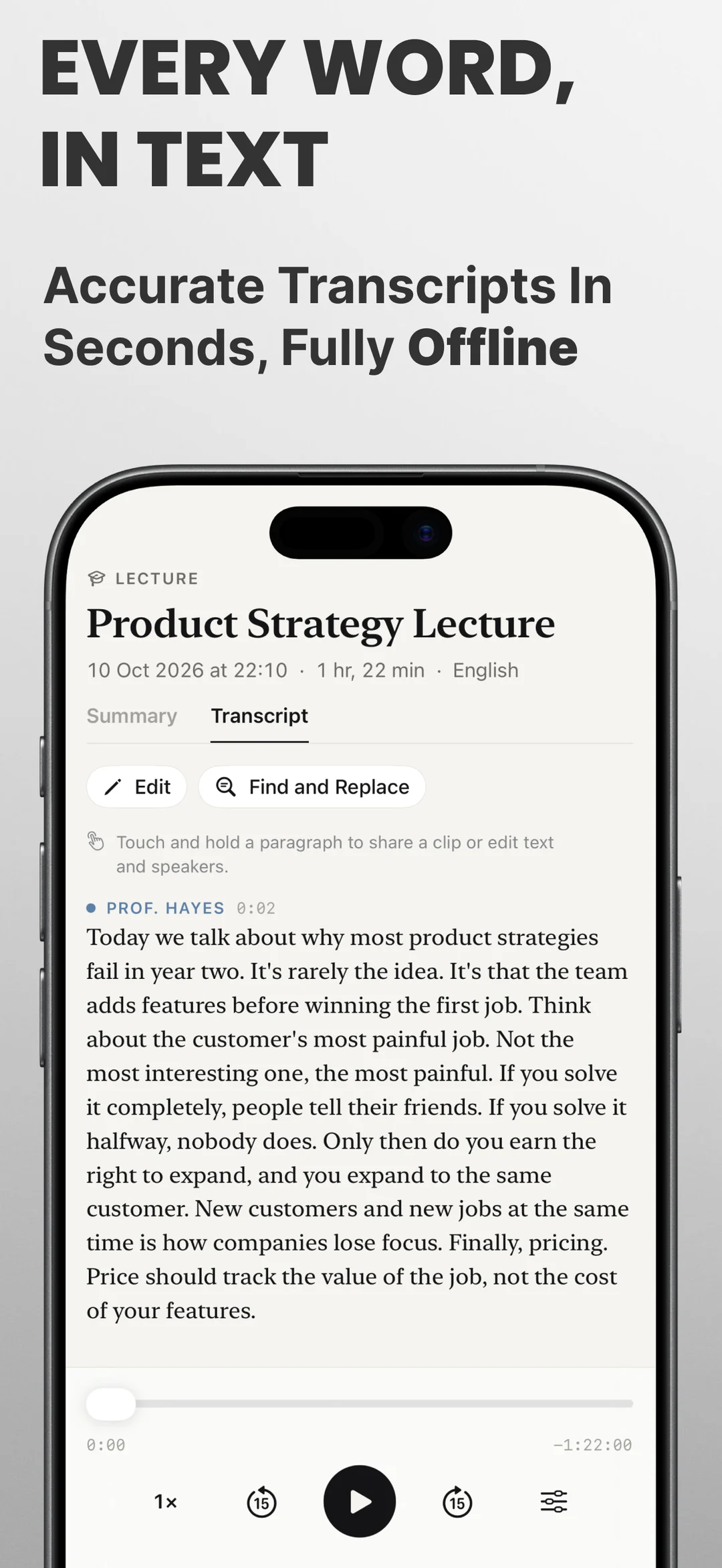
- Speech to text in about 100 languages, with high-accuracy models for 25 European languages including English, Spanish, French, German, Italian, Portuguese, Polish, Dutch, Russian, and Ukrainian
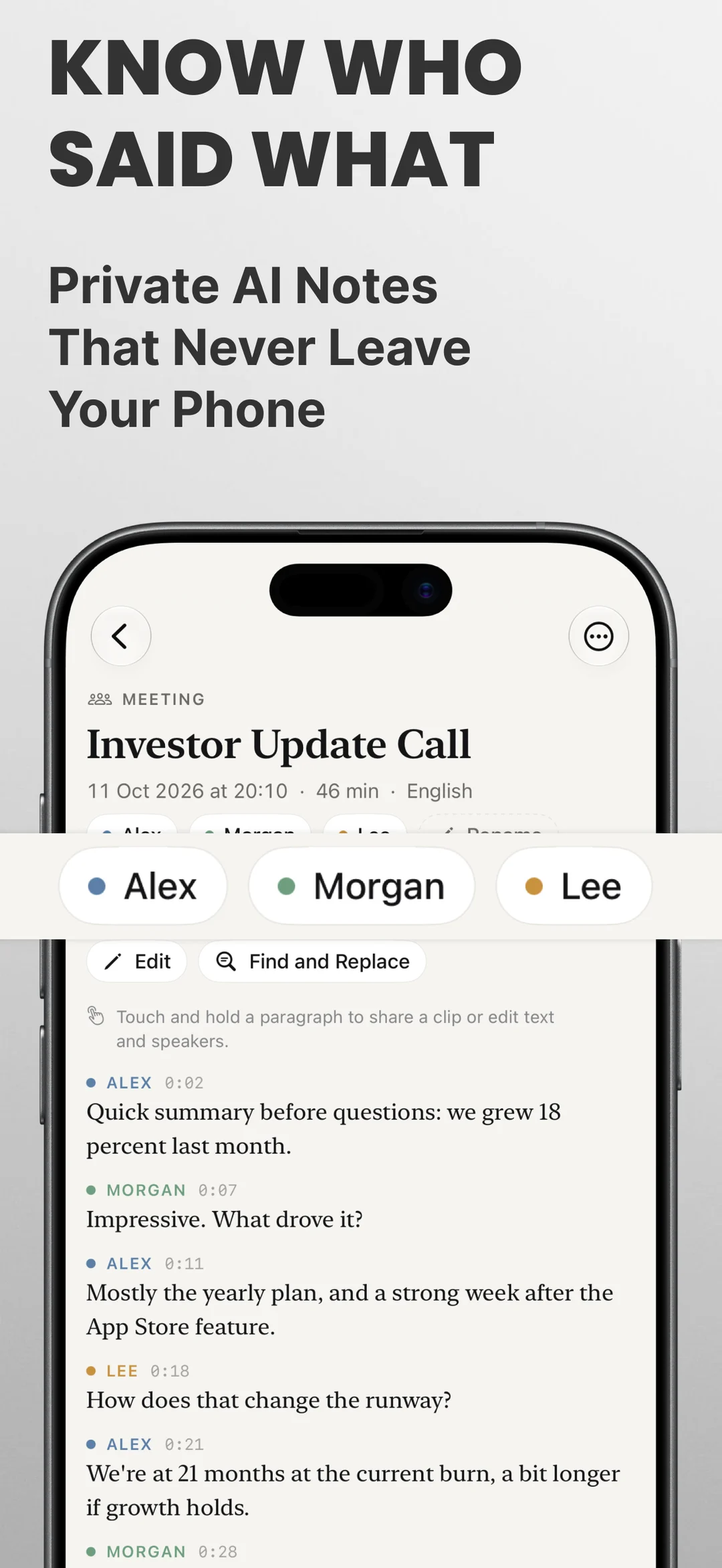
- Speaker labels: see who said what, name people once, and Hushnote recognizes them next time
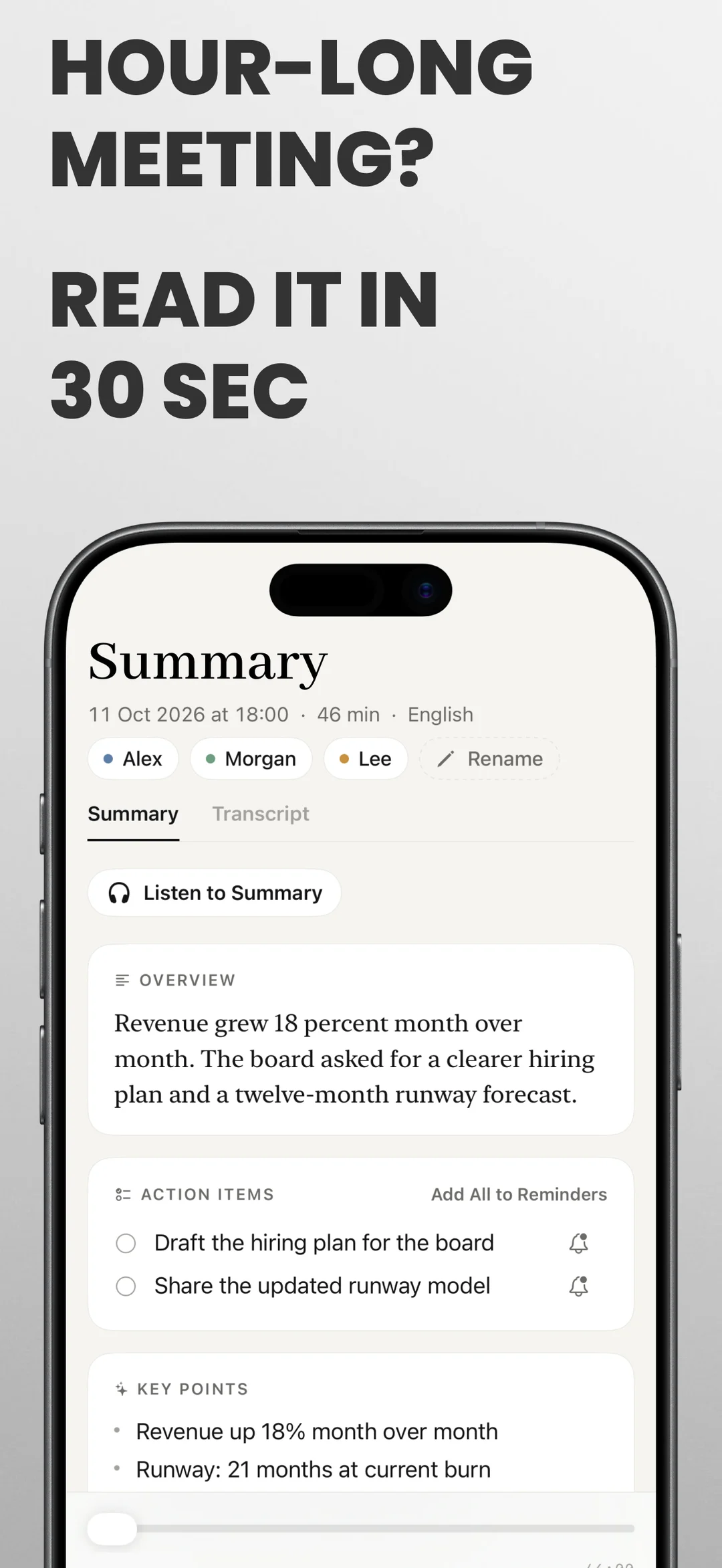
- AI summary with key points, action items, and chapters for long recordings
- Summary styles tailored for 1:1s, sales calls, doctor visits, or custom prompts
- Teach it technical names and terms, and fix any line with find and replace
FIND & ASK
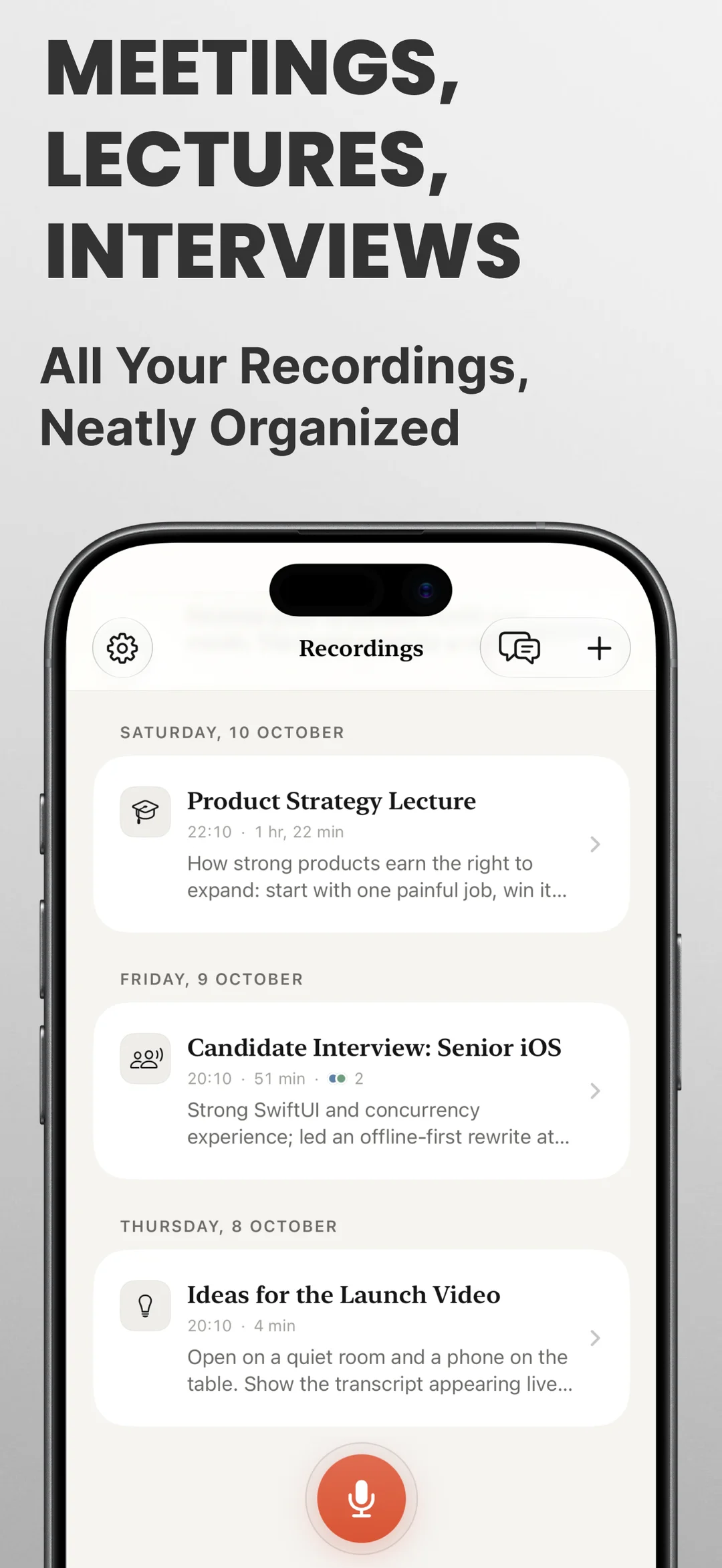
- Search inside every transcript and jump straight to that moment in the audio
- Ask a question like "What did we decide about the price?" and get an answer with links to the source
- Folders, starred items, and automatic note titles from your calendar
SHARE & EXPORT
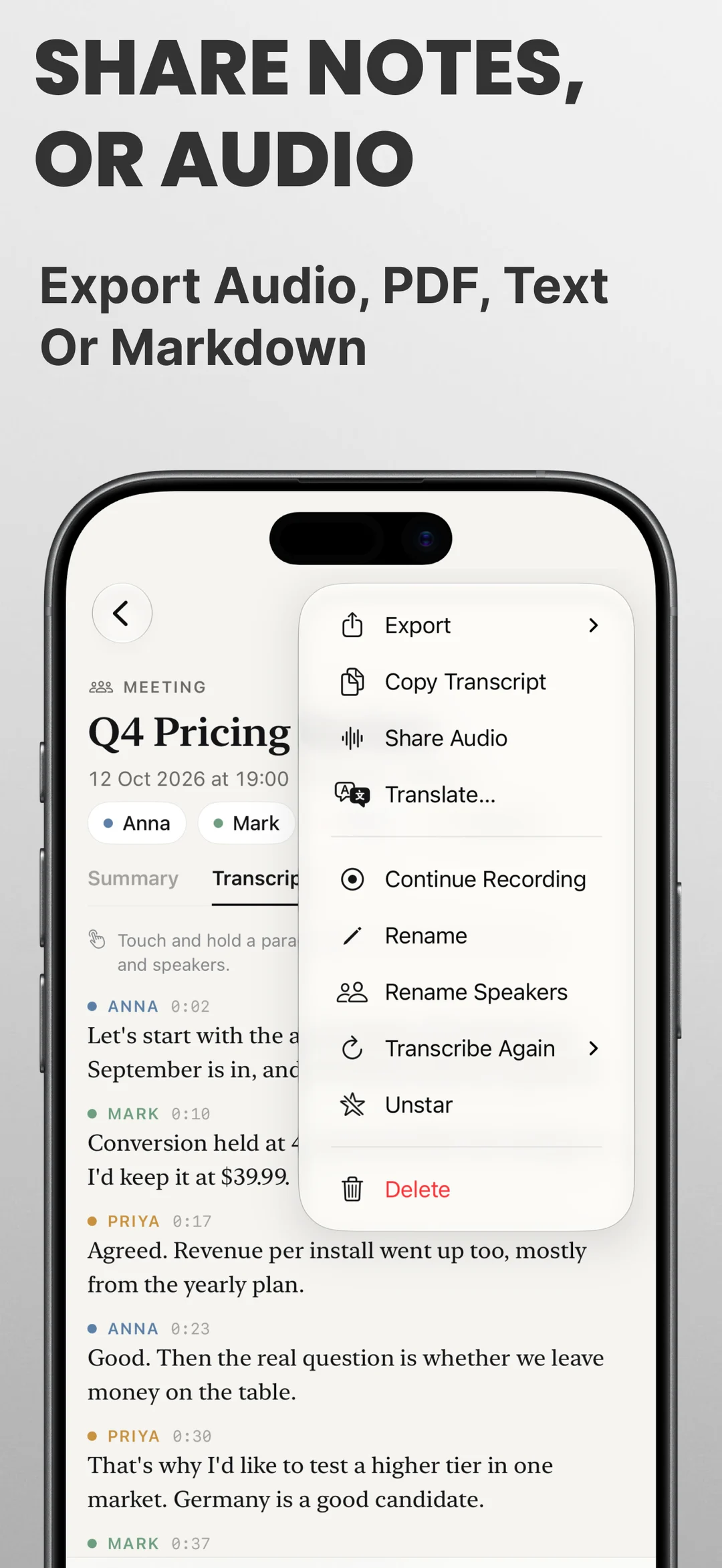
- Export to PDF, Word (RTF), Markdown, plain text, or SRT subtitles
- Translate a transcript on the device
- Share short audio clips with synchronized captions for Stories and messengers
- Send action items directly to your favorite tasks app
PRIVATE BY DESIGN
No account, no tracking, and no cloud. Everything stays on your phone, with an optional app lock. Summaries use Gemini Nano on supported phones, and other phones can download an optional on-device model.
FREE AND PRO
Free: unlimited recording, playback, import, folders, widgets, and the first 10 minutes of every transcript. Hushnote Pro unlocks full transcripts of any length, speaker labels, AI summaries, search inside transcripts, Ask, translation, all export formats, and studio quality.
Key Features
- 100% On-Device Transcription: Turn meetings, lectures, and interviews into text offline without uploading your audio to any cloud server.
- Smart Speaker Labels: Automatically separate voices, label who said what, and rename speakers with persistent recognition.
- AI Summaries & Action Items: Get structured overviews, takeaways, and action items for 1:1s, sales calls, or lectures powered by on-device AI.
- Full-Text Search & Ask AI: Search every spoken word, jump directly to that timestamp in the audio, or ask questions to get cited answers.
- Versatile Export & Share: Export in PDF, Word (RTF), Markdown, plain text, or SRT subtitles, and import voice messages from WhatsApp or Telegram.
- Private by Design: No account required, zero cloud tracking, and optional biometric app lock. Your recordings never leave your device.
What's New
- Welcome to Hushnote on Google Play! Record and transcribe audio to text right on your phone
- Offline speech to text in ~100 languages, with extra accuracy for 25 European languages
- Automatic speaker labels: see who said what, name speakers once and recognize them next time
- On-device AI summaries with key points, chapters, and action items (Gemini Nano on supported devices)
- Export transcripts to PDF, Word (RTF), Markdown, plain text, and SRT subtitles
Official Resources & Links
- Google Play:Hushnote on Google Play Store
- Apple App Store: Coming Soon
Frequently Asked Questions



Privacy & Terms of Service
FlashSoft ensures end-to-end data security and compliance for Hushnote.