
About the App
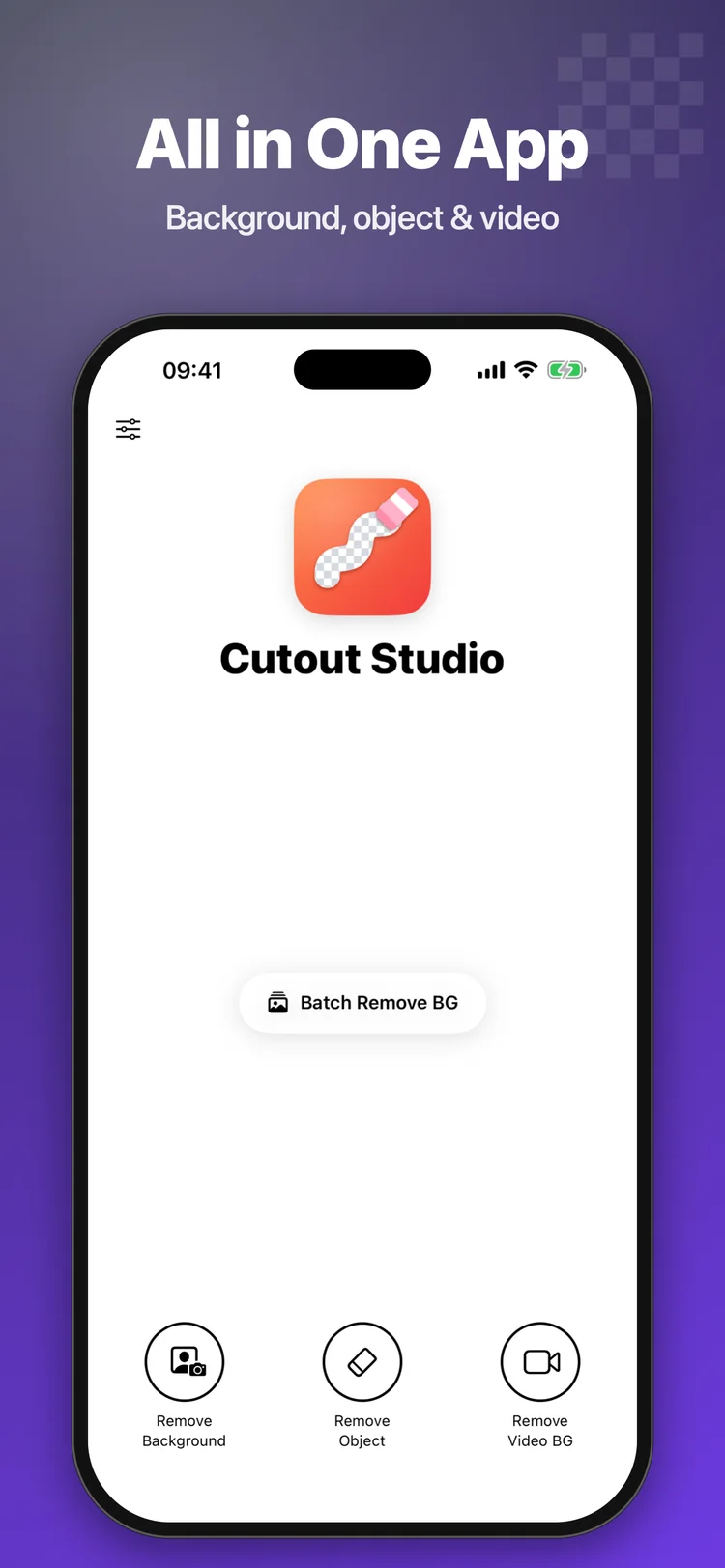
Cutout Studio removes the background from photos in one tap, erases unwanted objects with generative AI inpainting, and places subjects on 200+ designer backgrounds with 100% on-device privacy.
App Preview & Screenshots
Description
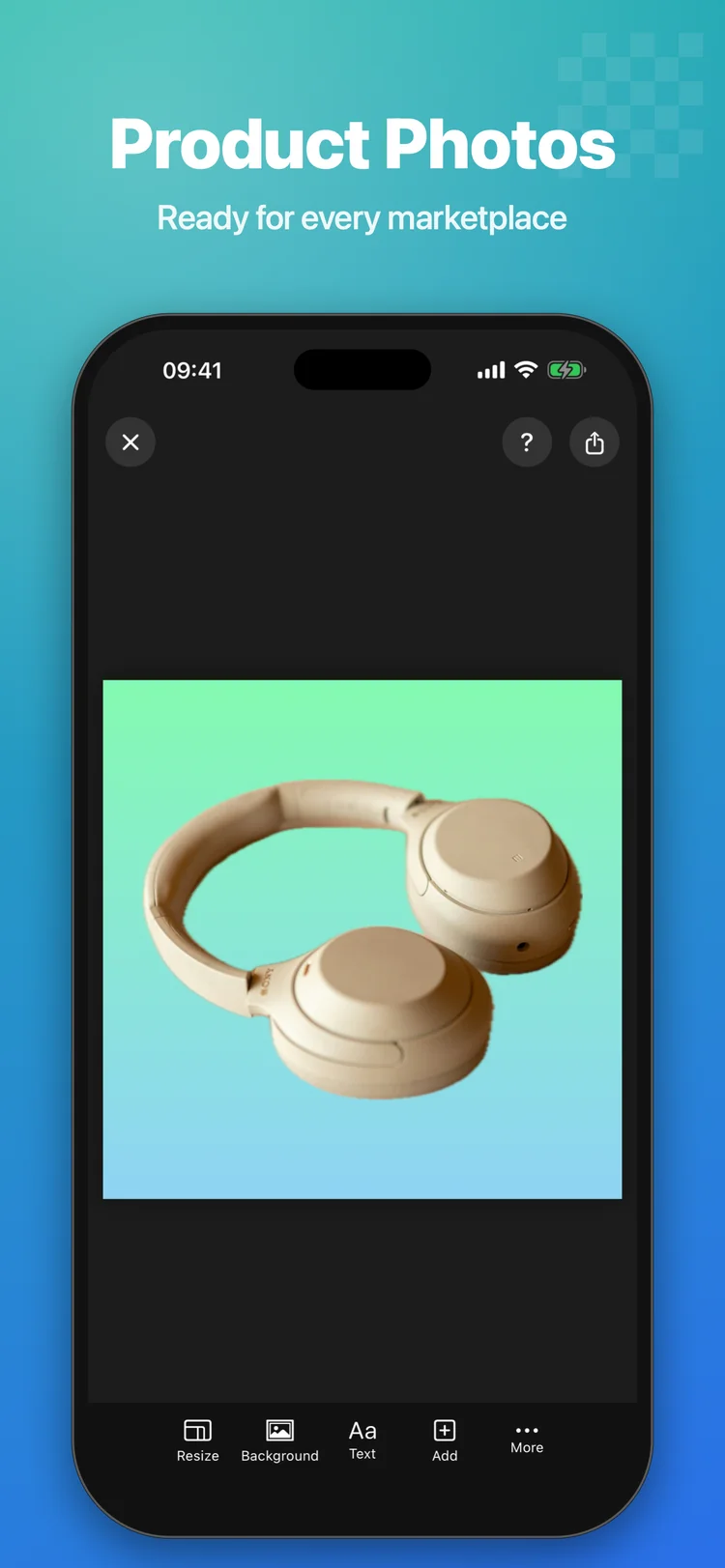
Cutout Studio removes the background from any photo in one tap. You can also erase unwanted objects and put your subject on a new background. Use it for product photos, profile pictures, stickers, collages and marketplace listings.
REMOVE BACKGROUND
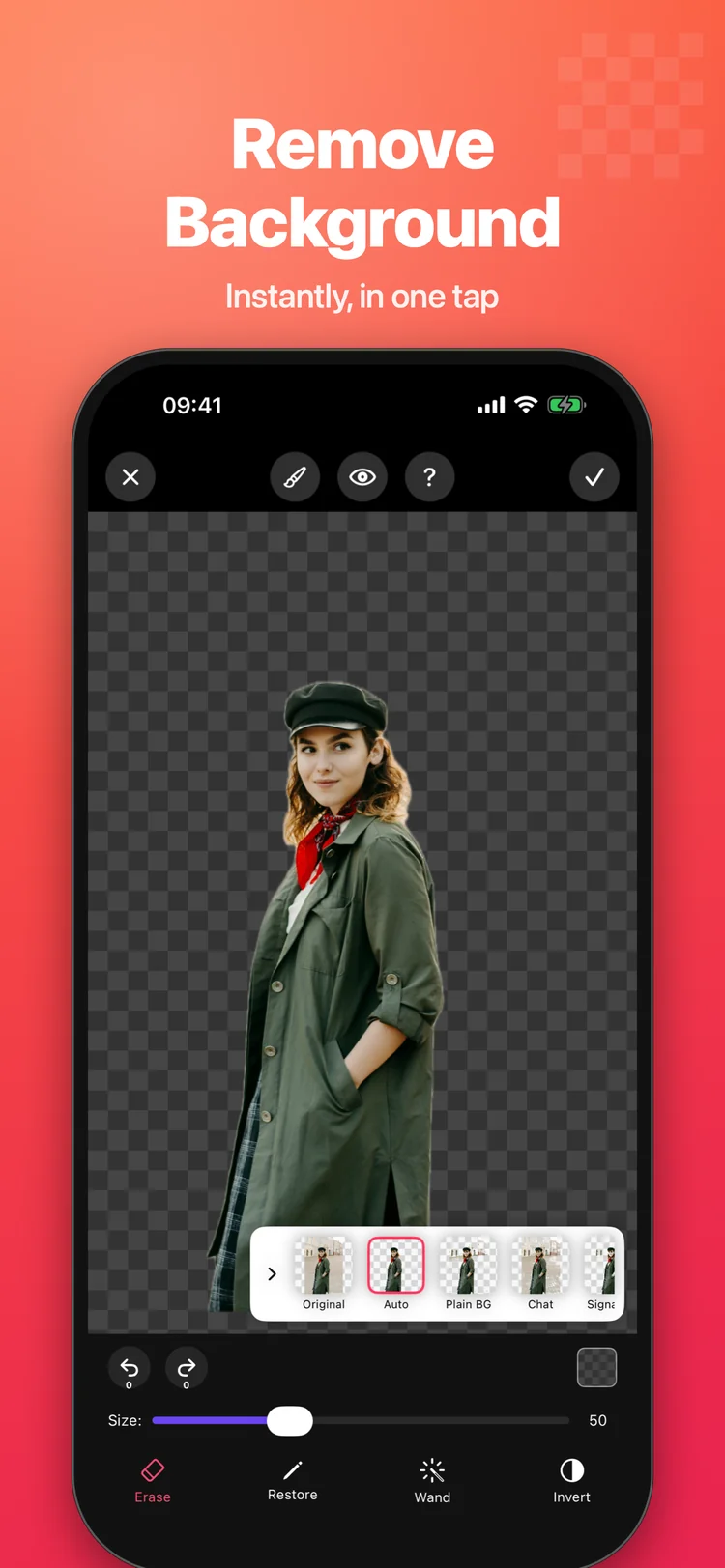
- Automatic AI cutout of people, products, pets and objects
- Choose the result: Auto, Person, separate objects, Plain background, Chat or Signature
- Fine-tune the edges with Erase, Restore and the Magic Wand (by area or by colour)
- Magnifier, adjustable brush, undo and redo
- Preview on a transparent, white or black background
REMOVE OBJECTS
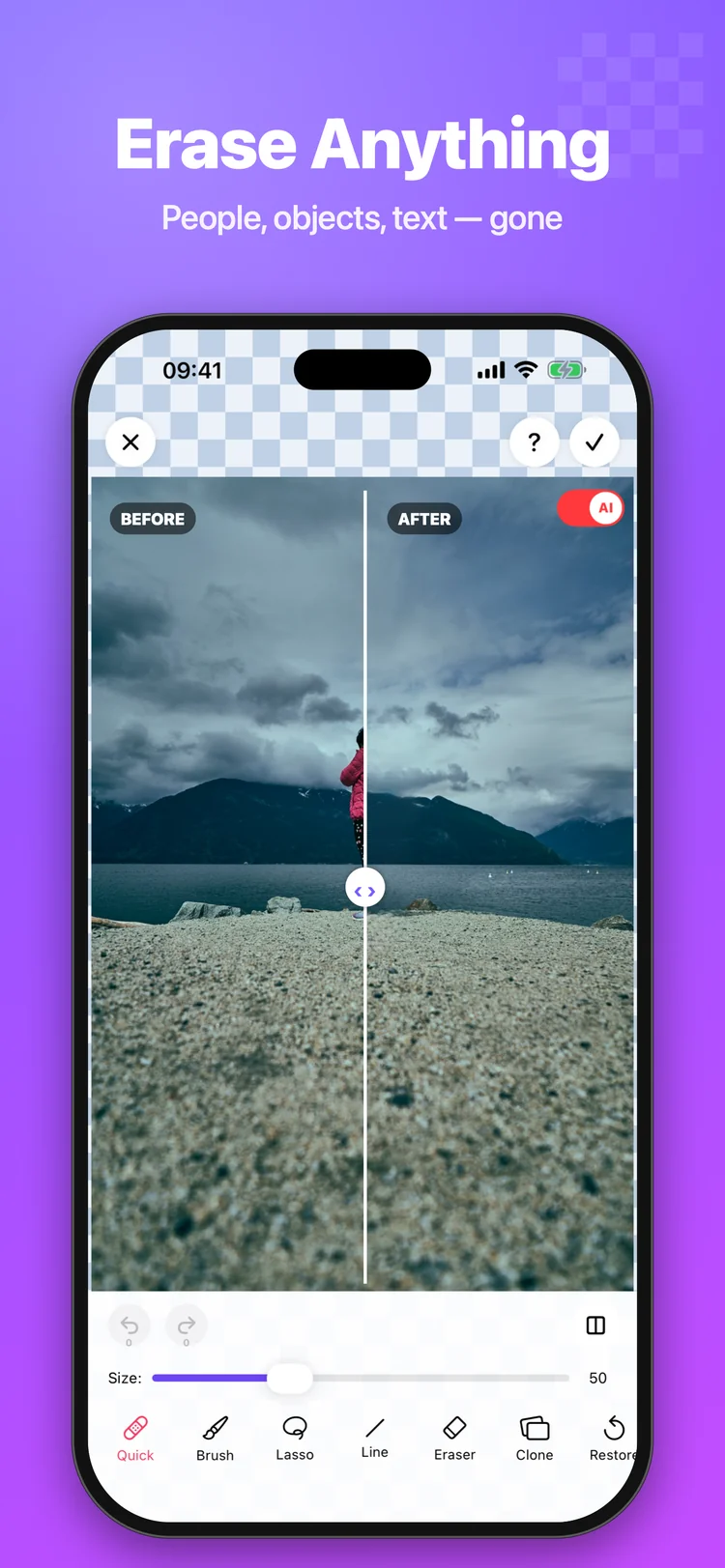
- Brush over people, text, wires or blemishes and they disappear
- AI fill rebuilds the background behind them
- Quick, Brush, Lasso and Line tools, plus Clone and Restore
- Hold to compare with the original
NEW BACKGROUNDS
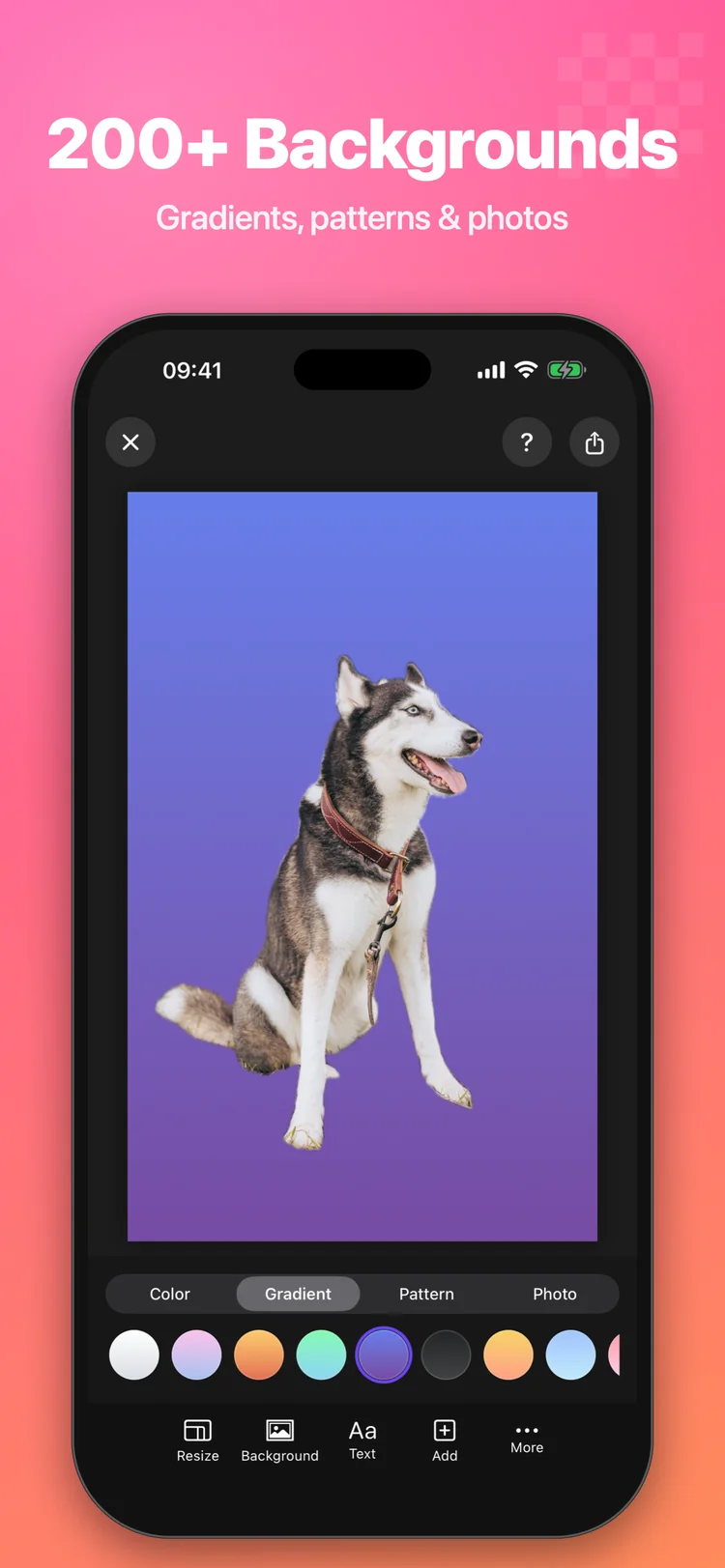
- Solid colours, 200+ gradients and 180 patterns
- Your own photo, a free stock photo or a blurred version of the original
- Add shadows, outlines, text and more photos
- Resize for Instagram, stories, marketplaces and more
BATCH AND VIDEO
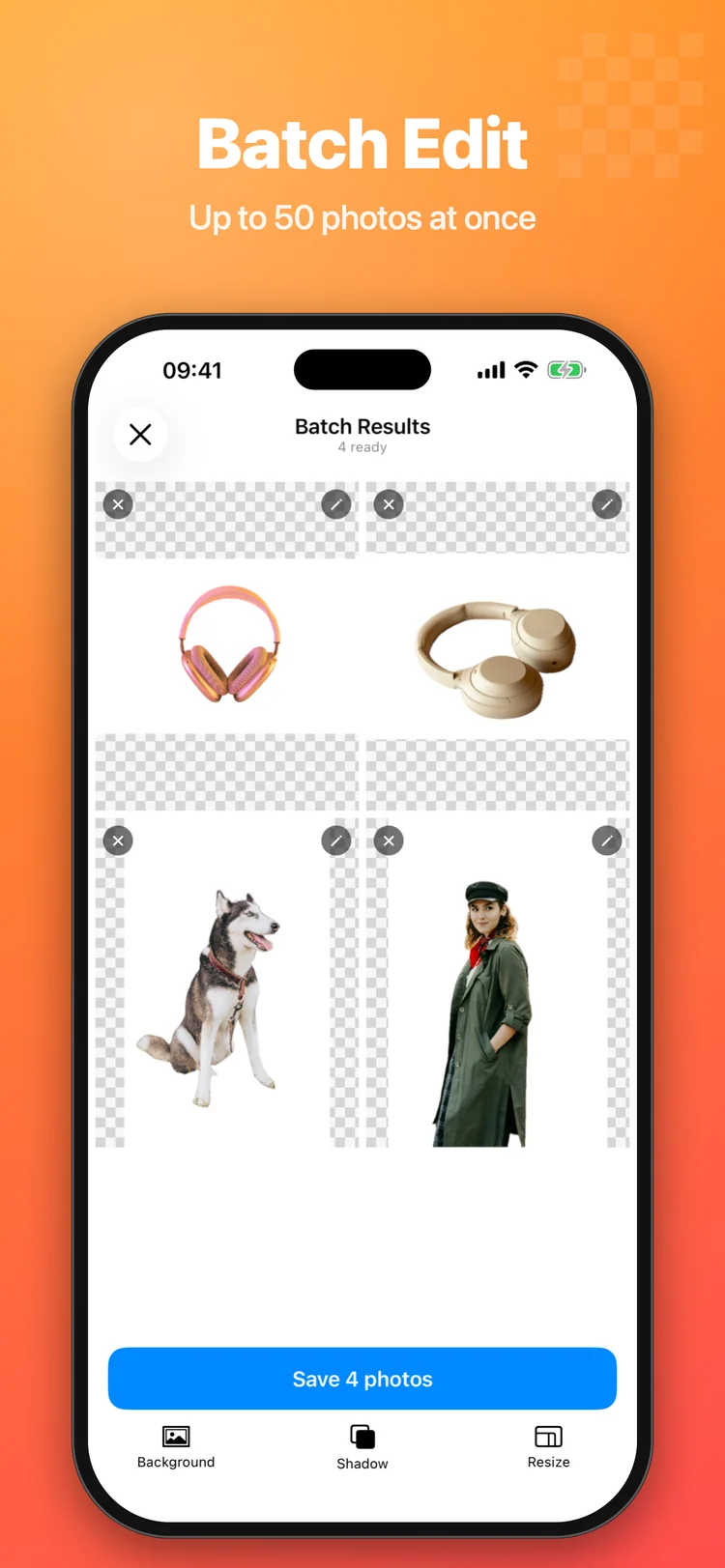
- Remove the background from up to 50 photos at once
- Apply the same background, shadow and size to every photo
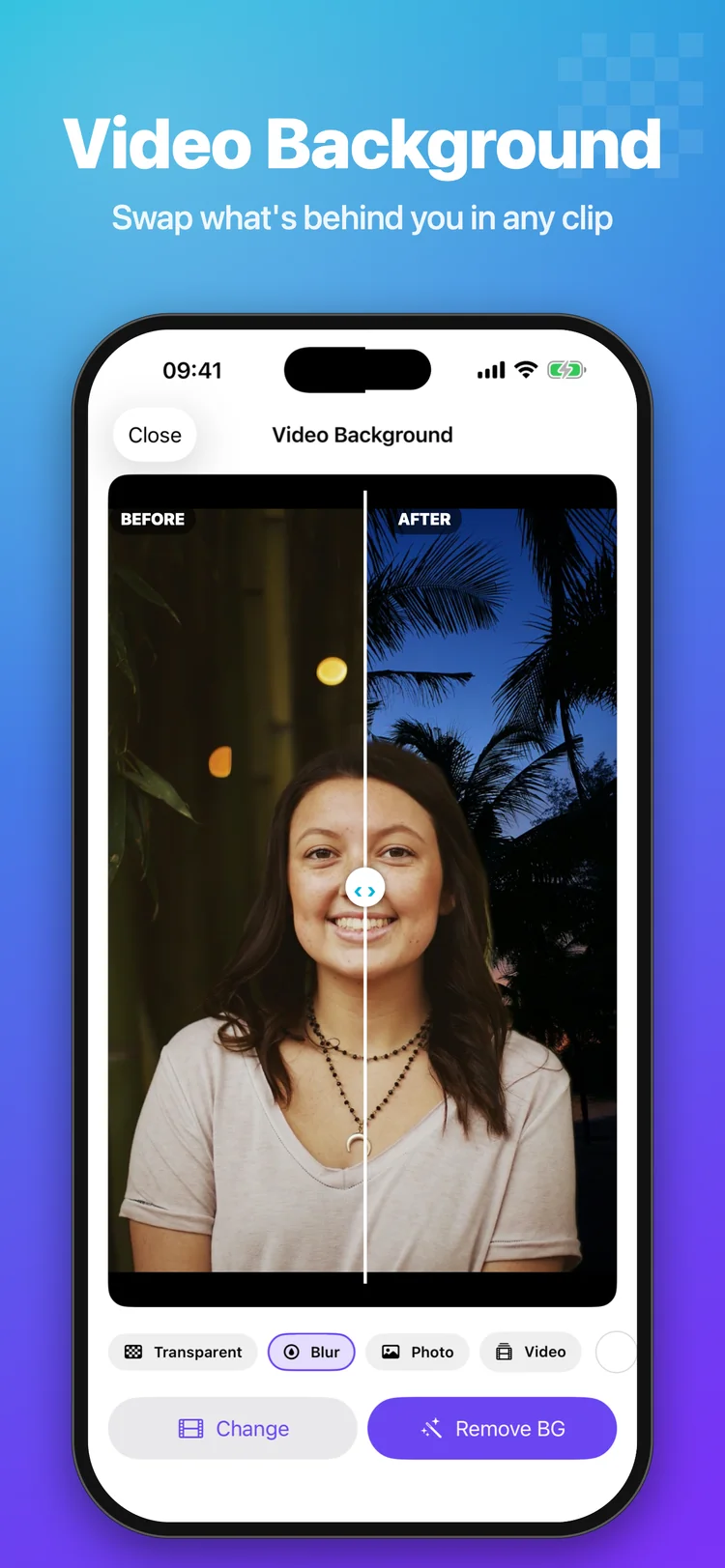
- Remove the background from videos: transparent, blurred or a solid colour
EXPORT
- Save as transparent PNG or JPG in high resolution
- Save to Photos or Files, or share straight to any app
PRIVATE BY DESIGN
Your photos are processed on your device. They are never uploaded to our servers.
CUTOUT STUDIO PREMIUM
Get unlimited access to every tool with a weekly or yearly subscription, or unlock everything forever with a one-time Lifetime purchase.
- Payment is charged to your Apple ID account when you confirm the purchase.
- The subscription renews automatically unless you cancel it at least 24 hours before the end of the current period.
- Your account is charged for renewal within 24 hours before the end of the current period.
- You can manage or cancel your subscription in your App Store account settings after purchase.
Terms of Use: https://www.apple.com/legal/internet-services/itunes/dev/stdeula/
Privacy Policy: https://flashsoftapps.com/cutout_studio/privacy
Key Features
- 1-Tap Background Removal: Neural segmentation automatically isolates people, products, pets, and objects with hair-level precision.
- Smart Object Eraser: Brush over photobombers, text, wires, or blemishes and let generative AI rebuild the background texture.
- 200+ Gradients & Patterns: Replace backgrounds with curated colors, textures, stock photos, or customized drop shadows and outlines.
- Batch Processing (50 Photos): Save hours of editing by applying identical cutout masks, shadow angles, and canvas sizes in bulk.
- Video Background Cutout: Remove or blur backgrounds from video clips with real-time frame tracking and transparent export.
- 100% On-Device Privacy: All AI segmentation and rendering execute locally on your iPhone. Zero cloud uploads, ever.
What's New
- Introducing Cutout Studio: BG Remover AI for iPhone and iPad
- 1-Tap AI cutout of people, products, pets, objects, and signatures
- Object Eraser with generative AI fill to delete people, wires, text, and blemishes
- 200+ designer gradients, 180 patterns, solid colors, and studio drop shadows
- Batch cutout mode: process up to 50 photos at once for e-commerce listings
- Video background removal: transparent, blurred, or solid color video export
Frequently Asked Questions
How does automatic AI background removal work in Cutout Studio?
Cutout Studio leverages on-device Apple Neural Engine models to instantly analyze and separate subjects (people, pets, e-commerce products, signatures, or specific objects) from the background in a single tap. You can further refine hair and complex borders using the built-in Magic Wand, Erase, and Restore brush tools.
Are my photos or videos uploaded to external servers?
No. Cutout Studio is built strictly Private by Design. All background removal, object erasing, and video segmentation occur 100% on your device using local CoreML and Metal acceleration. Your visual media never leaves your iPhone and is never sent to remote servers or used to train AI models.
How does the Object Eraser with AI fill work?
Simply brush or lasso over unwanted objects, people, cables, watermarks, or blemishes. The on-device generative inpainting algorithm analyzes the surrounding textures, patterns, and lighting to seamlessly rebuild the background as if the object was never there.
What background replacement options are available?
You can place your subject on a transparent background (PNG), solid colors (including studio white for Amazon and eBay marketplace standards), over 200 vibrant gradients, and 180 patterns. You can also add natural drop shadows, outline stickers, text captions, or use a custom blurred photo as the backdrop.
Can I remove backgrounds from multiple photos at once?
Yes. Cutout Studio's Batch Mode lets you select up to 50 photos simultaneously, automatically remove their backgrounds, and apply the same background color, shadow, and canvas dimensions to all photos at once.
Does Cutout Studio support video background removal?
Yes. You can import video clips and remove their backgrounds to export transparent video, replace the background with solid colors, or apply a smooth cinematic bokeh blur.
What export formats are supported?
You can export transparent PNGs in high resolution (up to full 4K sensor resolution), optimized JPGs with custom backgrounds, or save directly to your iOS Photos and Files apps.
How does Cutout Studio Premium work?
Cutout Studio Premium provides unlimited access to high-res 4K exports, batch processing, video cutout, all 200+ gradients, and advanced inpainting tools. Available as a weekly or yearly auto-renewable subscription, or as a one-time Lifetime purchase managed securely through your Apple ID.



Privacy & Terms of Service
The Cutout Studio Privacy Policy and Terms of Use: on-device photo processing, zero cloud storage, and subscription details.