The average knowledge worker checks communication tools or social feeds once every six minutes. A software engineer compiling code glances at Twitter; an architect waiting for a render checks WhatsApp; a product manager between meetings scrolls LinkedIn. These are not planned rest intervals-they are micro-escapes. Whenever a work task requires complex synthesis, working memory friction makes immediate digital distraction irresistibly seductive.
Executive Summary & Research Finding
Kill workplace context switching and micro-checks. Discover how knowledge workers use Unloop screen time blockers to restore 4 hours of daily productivity.
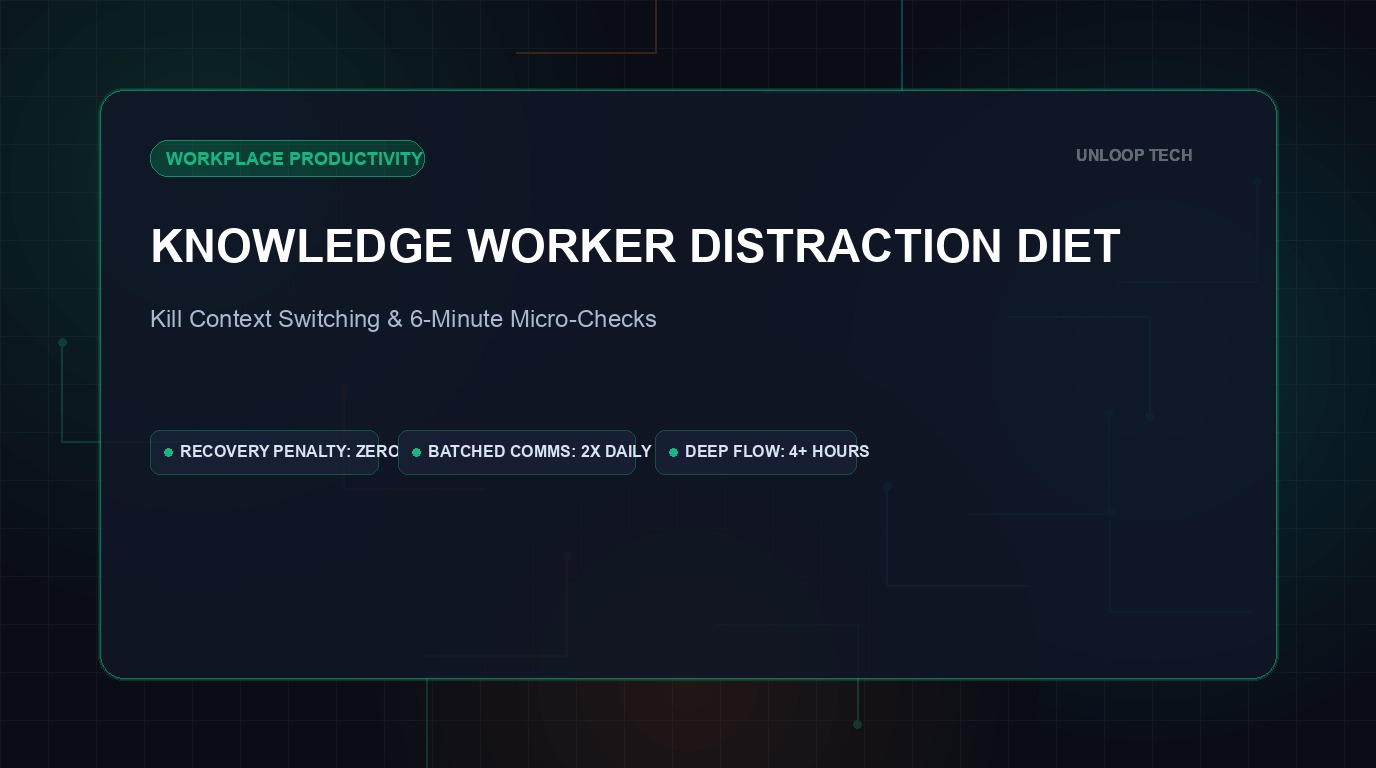
According to landmark research from the University of California, Irvine, recovering from a single distraction takes an average of 23 minutes and 15 seconds. When you scatter a dozen 30-second phone checks across your workday, your brain never reaches deeper alpha-wave flow states. In this operational playbook, we examine how knowledge workers use Unloop to implement an unbreakable distraction diet.
The Anatomy of Workplace Attention Bleed
Why do minor micro-checks destroy high-value cognitive output?
- Context Switching Penalty: The brain must swap out active mental models (code architecture, financial models, legal briefs) to process a completely unrelated social media meme.
- Hyperactive Hivemind Fatigue: Constant availability creates low-grade anxiety, where workers feel compelled to respond instantly rather than produce substantive work.
- The 3:00 PM Slump Trap: When circadian energy dips in the afternoon, frictionless phone access turns a 5-minute break into a 45-minute paralysis spiral.
- Shallow Work Acceleration: Workers compensate for lost time by performing easy, superficial tasks instead of tackle-heavy strategic initiatives.
Batching vs. Real-Time Reactivity
Elite knowledge workers do not check email or messages continuously. They batch communications into two 30-minute windows (e.g., 11:30 AM and 4:30 PM). Unloop automatically enforces this boundary by shielding communication platforms outside designated batching windows.
Comparing Knowledge Worker Productivity Protocols
Evaluate productivity interventions across corporate focus metrics:
| Method | Implementation Friction | Flow State Duration | Burnout Reduction | Deliverable Output |
|---|---|---|---|---|
| Raw Willpower | Zero setup | Fragmented (<15 min) | Very Low (High mental exhaustion) | Baseline |
| Airplane Mode | Manual toggle | Moderate (30-45 min) | Moderate (Missed urgent calls) | +25% |
| Desktop Blocker Extensions | Browser-only | Moderate (Bypassed via phone) | Low (Phone remains trap) | +35% |
| Unloop Cross-Ecosystem Strict Mode | Automated schedules | Deep & Sustained (90+ min) | High (Clean boundaries) | +85% (Flow state mastery) |
How to Implement the 4-Hour Morning Monolith
- Automate the Morning Shield: Set Unloop to shield all social feeds, news sites, and personal messaging from 8:30 AM to 12:30 PM.
- Require 200 Steps for Midday Unlocks: If you must check personal apps during lunch, require a 200-step walk to get fresh air outside the office.
- Deploy 'Block Now' for Writing & Coding: When facing a critical project deadline, tap 'Block Now' for 90 minutes to display the live timer on your desk.
- Track Reclaimed Working Hours: Review Unloop's weekly receipt to see how many hours of work-time scrolling were successfully prevented.