
Quick answer: a single iPhone photo weighs anywhere from 1.2 MB (standard 12 MP HEIC) to 75 MB (48 MP Apple ProRAW). That's a 60× difference — and most users have no idea which format their camera is actually using.
Executive Summary & Research Finding
How many photos fit on a 128 GB iPhone? Learn the real file sizes of HEIC, JPEG, Live Photos, Portrait Mode, and ProRAW — plus a calculator to plan your storage.
The question "how much storage does one photo take?" seems trivial until you realize that modern iPhones silently bundle invisible extras with every tap of the shutter: depth maps for Portrait Mode, 3-second video clips for Live Photos, multi-exposure HDR stacks, and non-destructive edit sidecar files. A single "photo" can actually consist of five or more files on disk.
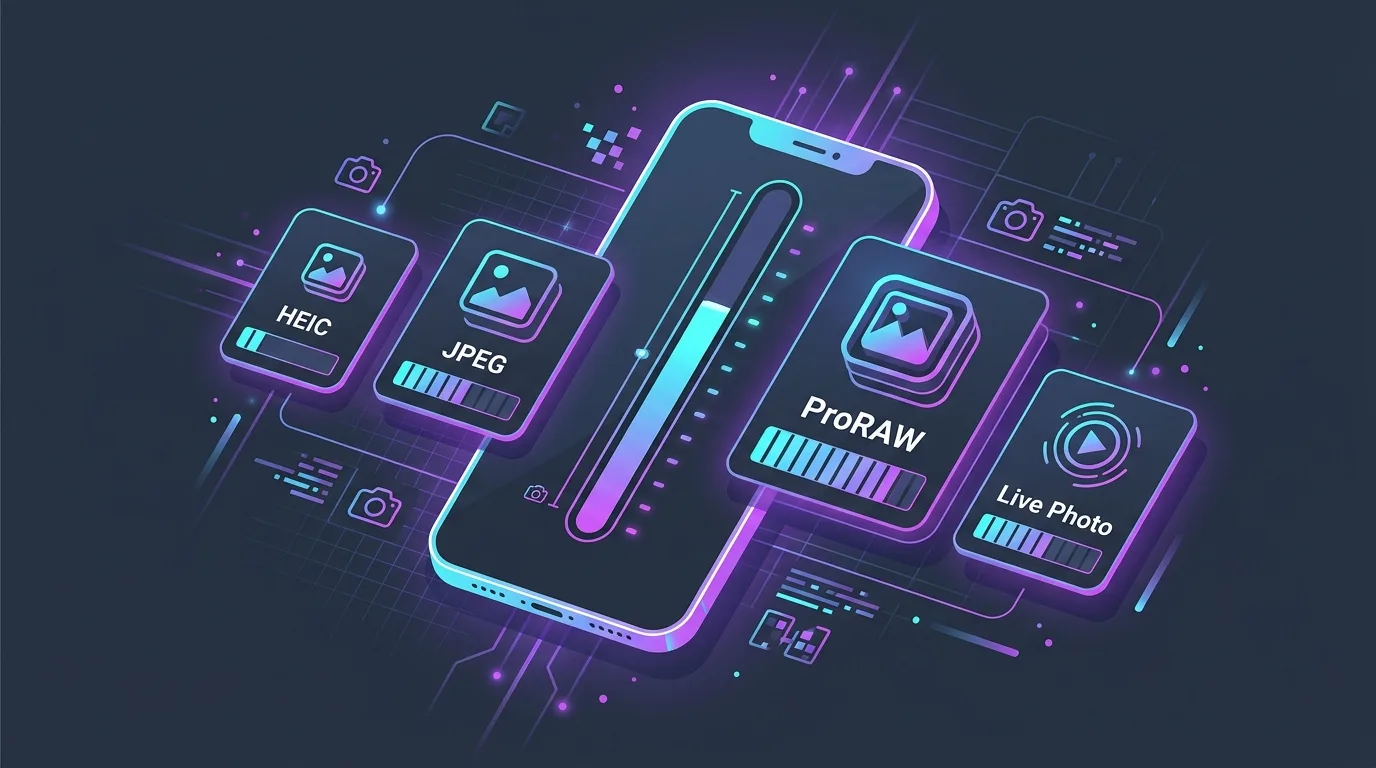
Complete iPhone Photo Size Reference Table
The following table is based on real-world measurements across iPhone 14 Pro, 15 Pro, and 16 Pro hardware using default camera settings. File sizes vary slightly based on scene complexity (a blank wall compresses smaller than a dense forest canopy), but these averages are accurate within ±15%.
| Photo Format | Resolution | Avg File Size | What's Included | Photos per 128 GB |
|---|---|---|---|---|
| Standard HEIC | 12 MP (4032×3024) | 1.5 MB | Single compressed image | ~72,000 |
| Standard JPEG | 12 MP (4032×3024) | 3.2 MB | Single compressed image (8-bit) | ~34,000 |
| Live Photo | 12 MP + 3-sec video | 5.5 MB | HEIC still + H.265 MOV clip | ~19,500 |
| Portrait Mode | 12 MP + depth data | 8.0 MB | HEIC + depth map + segmentation mask | ~13,500 |
| 48 MP HEIF | 48 MP (8064×6048) | 5.0 MB | Full-resolution compressed HEIF | ~21,600 |
| Apple ProRAW | 48 MP (8064×6048) | 75.0 MB | 12-bit linear DNG + metadata | ~1,440 |
| Screenshot | Varies by device | 2.5 MB | PNG (lossless compression) | ~43,200 |
| Panorama | Up to 63 MP | 20.0 MB | Stitched multi-frame HEIC | ~5,400 |
Why Live Photos Are the Biggest Silent Storage Killer
Live Photos are enabled by default on every new iPhone. Each time you press the shutter, iOS captures a 1.5-second QuickTime H.265 video clip before and after the shutter tap. This means every casual snapshot silently records 3 seconds of video at up to 1080p 30fps. The video component alone adds 3–5 MB per photo.
A two-week vacation where you take 600 Live Photos generates roughly 3.3 GB of data. Switch to regular HEIC stills for those same 600 shots, and you'd use only 0.9 GB — a 3.7× reduction.
Portrait Mode: The Hidden Three-File Bundle
When you shoot in Portrait Mode, the iPhone doesn't save a single file. The TrueDepth or LiDAR sensor creates a depth map — a grayscale image encoding distance-from-camera for every pixel. iOS also generates a segmentation mask that separates the subject from the background. Both are stored alongside the main HEIC image in a multi-track container.
This is why a Portrait Mode photo weighs 5–6× more than a standard HEIC shot. If you've taken 2,000 Portrait photos of your kids, pets, or food, that depth data alone accounts for over 10 GB of storage.
The ProRAW Trap: Professional Format, Consumer Storage
Apple ProRAW was designed for professional photographers who need maximum post-processing latitude. Each 48 MP ProRAW DNG file preserves 12-bit linear sensor data without any lossy compression. The result: files that average 75 MB each.
ProRAW Storage Math
At 75 MB per photo, a 128 GB iPhone can store only about 1,440 ProRAW images — roughly what a casual photographer shoots in a single month. If you're using ProRAW casually (not for professional editing), switching to standard 48 MP HEIF saves 93% of the storage for virtually indistinguishable on-screen quality.
How Many Photos Can Your iPhone Actually Hold?
Real-world usable storage is always less than the marketed capacity. iOS itself, system data, and installed apps consume 15–25 GB. Here's a realistic estimate of photo capacity based on available storage:
| iPhone Capacity | Usable for Photos (~60%) | HEIC (1.5 MB) | Live Photos (5.5 MB) | Portrait (8 MB) | ProRAW (75 MB) |
|---|---|---|---|---|---|
| 64 GB | ~35 GB | 23,300 | 6,360 | 4,375 | 466 |
| 128 GB | ~75 GB | 50,000 | 13,630 | 9,375 | 1,000 |
| 256 GB | ~155 GB | 103,300 | 28,180 | 19,375 | 2,066 |
| 512 GB | ~315 GB | 210,000 | 57,270 | 39,375 | 4,200 |
| 1 TB | ~640 GB | 426,600 | 116,360 | 80,000 | 8,533 |
5 Practical Steps to Reduce Photo Storage by 60%
- Disable Live Photos for everyday shots: Open Camera → tap the Live Photo icon (concentric circles) → select OFF. This alone cuts per-photo size by 3.5×.
- Audit your ProRAW usage: Go to Settings → Camera → Formats. Unless you edit in Lightroom or Capture One, switch to HEIF Max (48 MP) for full resolution at 93% less storage.
- Purge burst sequences: After a photoshoot, keep only the single sharpest frame from each burst. An AI-powered cleaner can identify the optimal photo automatically.
- Delete orphaned depth maps: If you edit a Portrait photo in a third-party app and re-save it, the depth data often remains as dead weight. Specialized cleaners detect these orphaned files.
- Monthly swipe audit: Review one month of photos at a time using a swipe-based interface. Spending 5 minutes per month prevents a 30 GB backlog from forming.
Reclaim Gigabytes Without Losing Memories
Understanding the math behind photo file sizes is the first step. The second is taking action. Swipe Photo Cleaner (Wipe AI) scans your entire camera roll and surfaces the heaviest offenders — ProRAW leftovers, burst duplicates, blurry shots, and outdated screenshots — in a fast card-swipe interface. Swipe left to trash, swipe right to keep, and watch your available storage climb back up in real time.
Instant iPhone Storage & iCloud Savings Calculator
Adjust your photo library size, duplicate estimates, and 4K video count to calculate how many gigabytes you can safely reclaim.